I have over 40 years of programming experience using a variety of languages over the course of my career to develop real-time solutions for real-world problems.
Keyboards connect us to the world and, as a keyboard enthusiast, I am searching for the ideal keyboard.
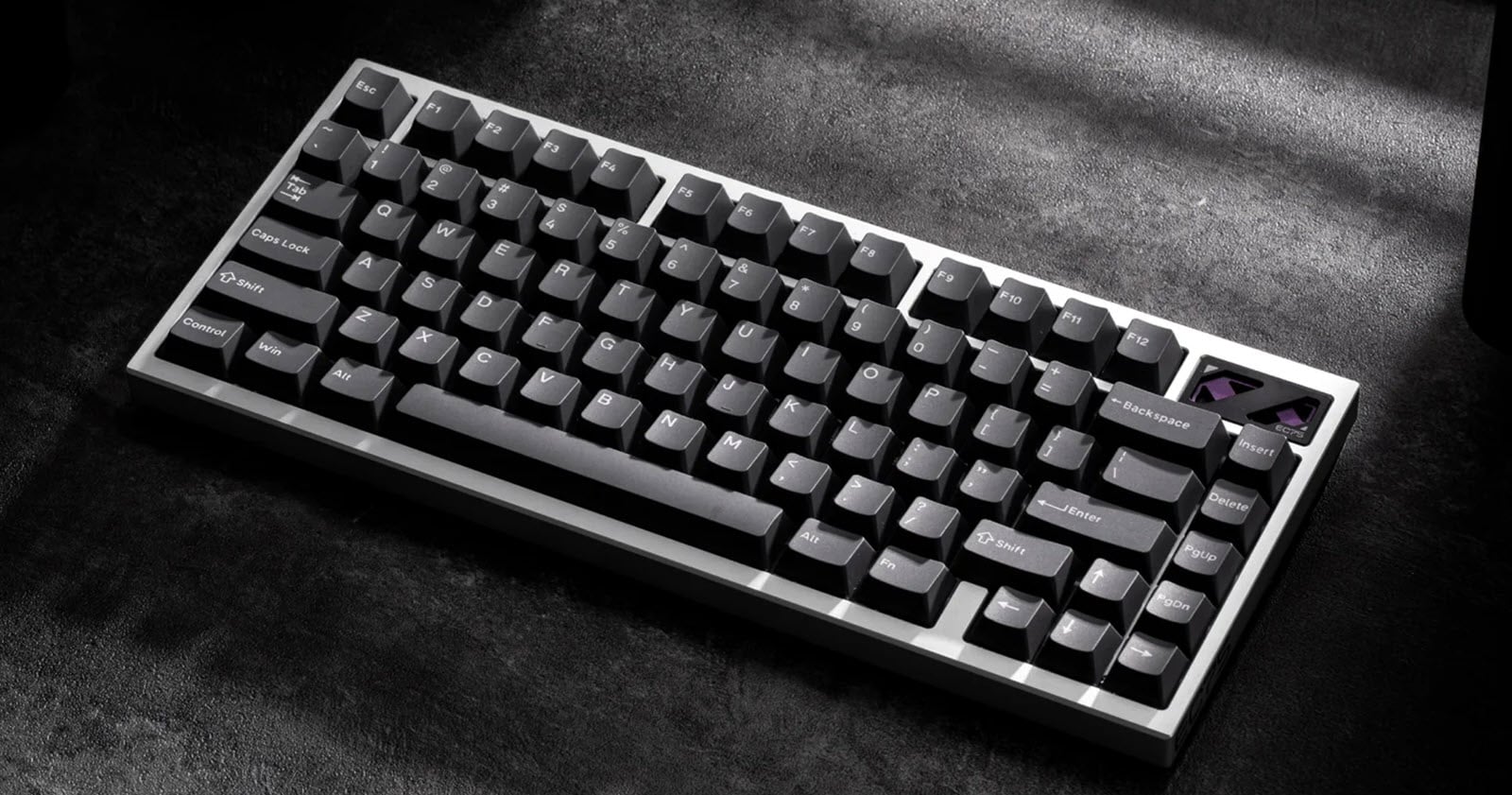
I’ve been using the LoFree Edge keyboard for a while now, and I’m learning to like it. I don’t often use low-profile keyboards, but I’m always looking for that “ideal” out-of-the-box keyboard experience. The low-profile switches on this keyboard provide a distinctly different typing experience compared to regular mechanical keyboards.
The LoFree Edge keyboard webpage describes the many features and engineering challenges involved in manufacturing a keyboard of this calibre, of which a few caught my attention.
Although the keyboard is made of premium materials, its design screams portability. While the keyboard may be easy to carry around, it doesn’t exactly deliver the premium feel I was hoping for.
Switches
The Kaihl POM linear switches have a 1.3mm actuation trigger and a total travel of only 2.4mm. The activation point rivals that of a typical speed switch (silver), and the short overall travel means less finger movement.
Slim Design
The keyboard case's leading edge is reportedly only 5.4mm high. I measured the height from my desktop to the top surface of the keyboard to be 10mm. This is still very thin and eliminates the need for a palm or wrist rest. This design is supported by a Carbon fibre top and a magnesium alloy base at its shallowest point.
Light Weight
My keyboard weighed 1.097 lbs or 497.9g, which is slightly heavier than the 1.07 lbs stated on the website. However, it is still lighter than most keyboards in my collection. Despite its lightweight design, the robust materials used to create it ensure it will survive the most rigorous trips.
Battery Life
The 2000 mAh battery has a posted run time of 130 hours from a full charge without backlights.
Backlighting
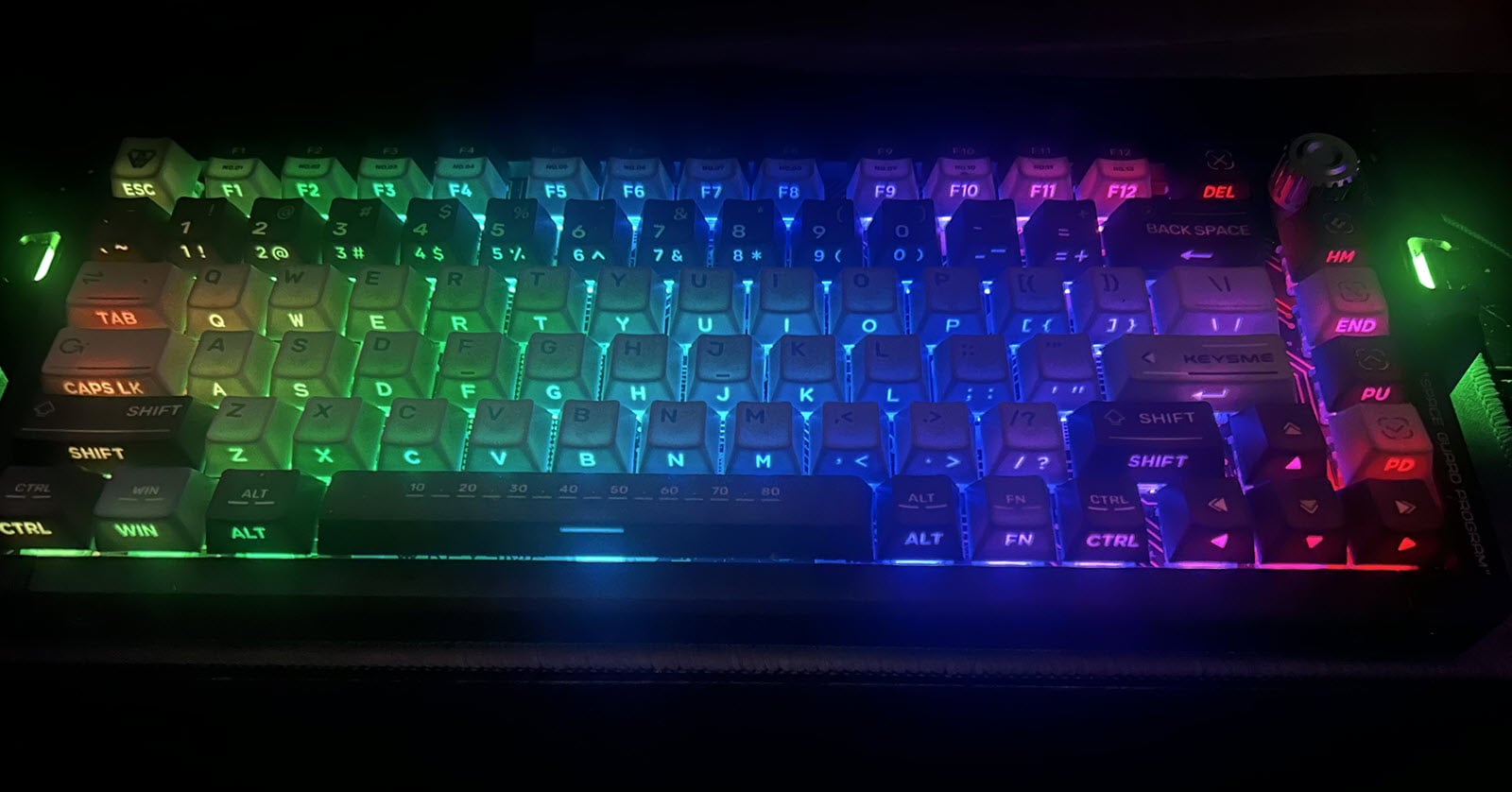
I was surprised that a keyboard this thin could still accommodate backlighting. Unfortunately, the lighting is very dim even at the brightest setting, and only supports three modes: OFF, Steady On, or “Breathing” pattern.
Software
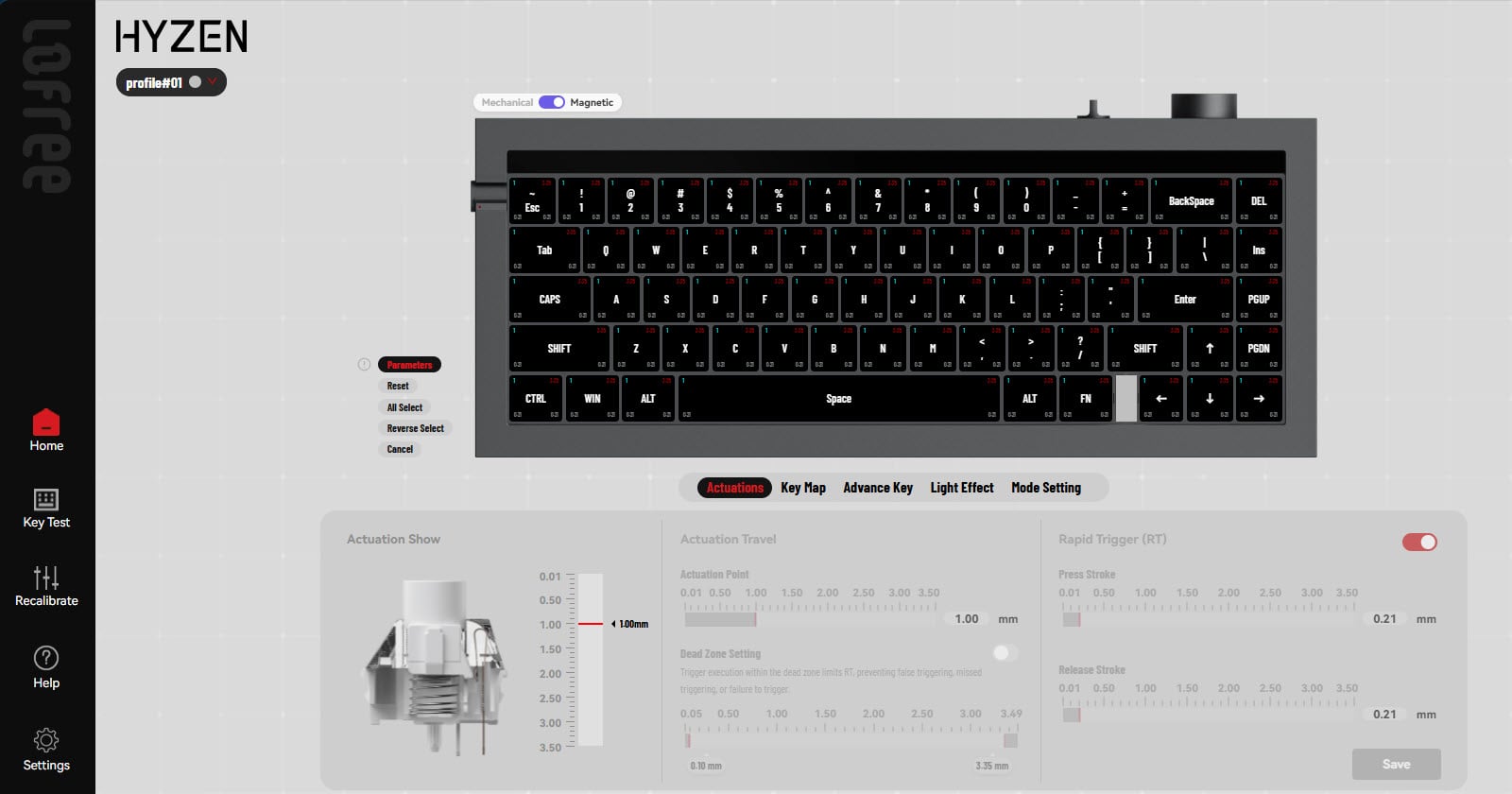
The software is not as intuitive to use and a little confusing at first sight. However, it is possible to create macros and reassign keys, such as swapping the backspace and \| keys. Unfortunately, this keyboard is not VIA compatible which would have yielded a more intuitive and easy to use experience.
Download and install the Lofree Edge Configurator App to customize your keyboard. Extract the Lofree Application to a directory of your choosing and run it.

Overall Experience
The keyboard is slim and light. As for the overall typing experience “out of the box”, my typing speed improved only slightly, but, with credit to the keycap profile, my accuracy was consistently higher than with other keyboards. After using the keyboard for several months, the key actions are smoother, my typing speed increased significantly, and accuracy remained in the high.
I’m only slightly disappointed by the clacky sounding keys and hard bottom out. Over time, the keys feel much smoother and become much quieter.
If portability is a priority and you’re looking for something lightweight, this may be the keyboard for you; however, other keyboards fare at least as good and cost less. If you have a little patience and allow the keyboard to settle in, this may be one of the best keyboards you can put your hands on.
LoFree Edge - Users Guide
Specifications

Diagram

Reference Diagram Above:

Detailed Operation


Backlit
Pattern: FN + Left or Right Arrows: Steady-Breathe-Off
Brightness: FN + F5 (Dim) or F6 (Brighten): 0-25-50-75-100%
System Switch
FN + N: Windows / Android
FN + M: Mac/iOS
FN Key Combinations

Related Articles and Resources
Edge Low-profile Mechanical Keyboard - Product Page
LoFree EDGE Users Guide (PDF File): With Multiple Languages on a Single Page)
Lofree Edge Keyboard Configurator - DO NOT USE on other devices (May cause bricking) App - Dropbox
Lofree Lite
Items of Interest
Keyboard-Inspector: Get your keyboard vitals using the Keyboard Inspector App. Download the zip file, unpack, and run.
The First Wooting 80HE Aftermarket Case - KBDFans GT-80 - YouTube (BadSeed)