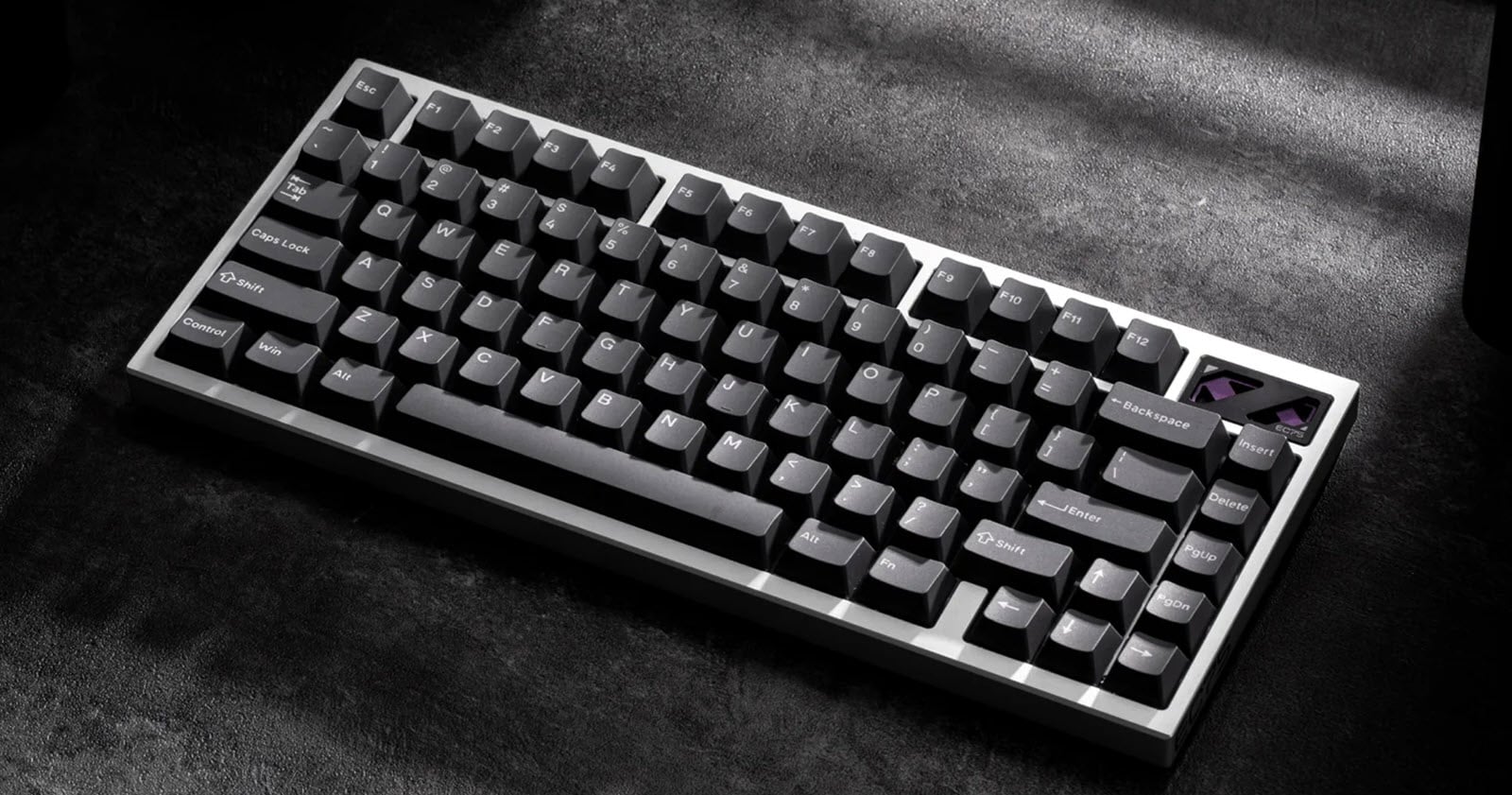
The Ideal Keyboard
The world is at your fingertips.

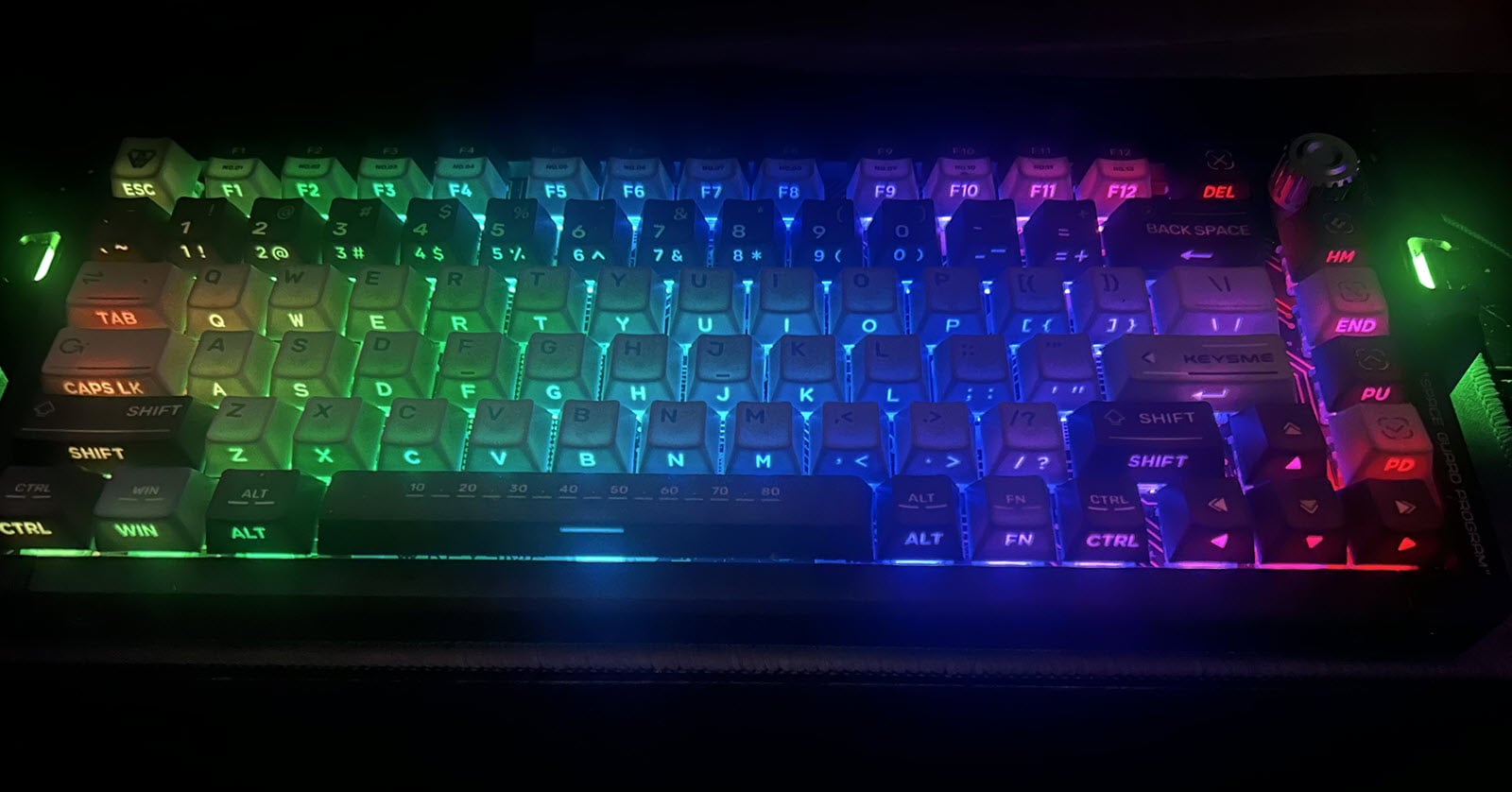
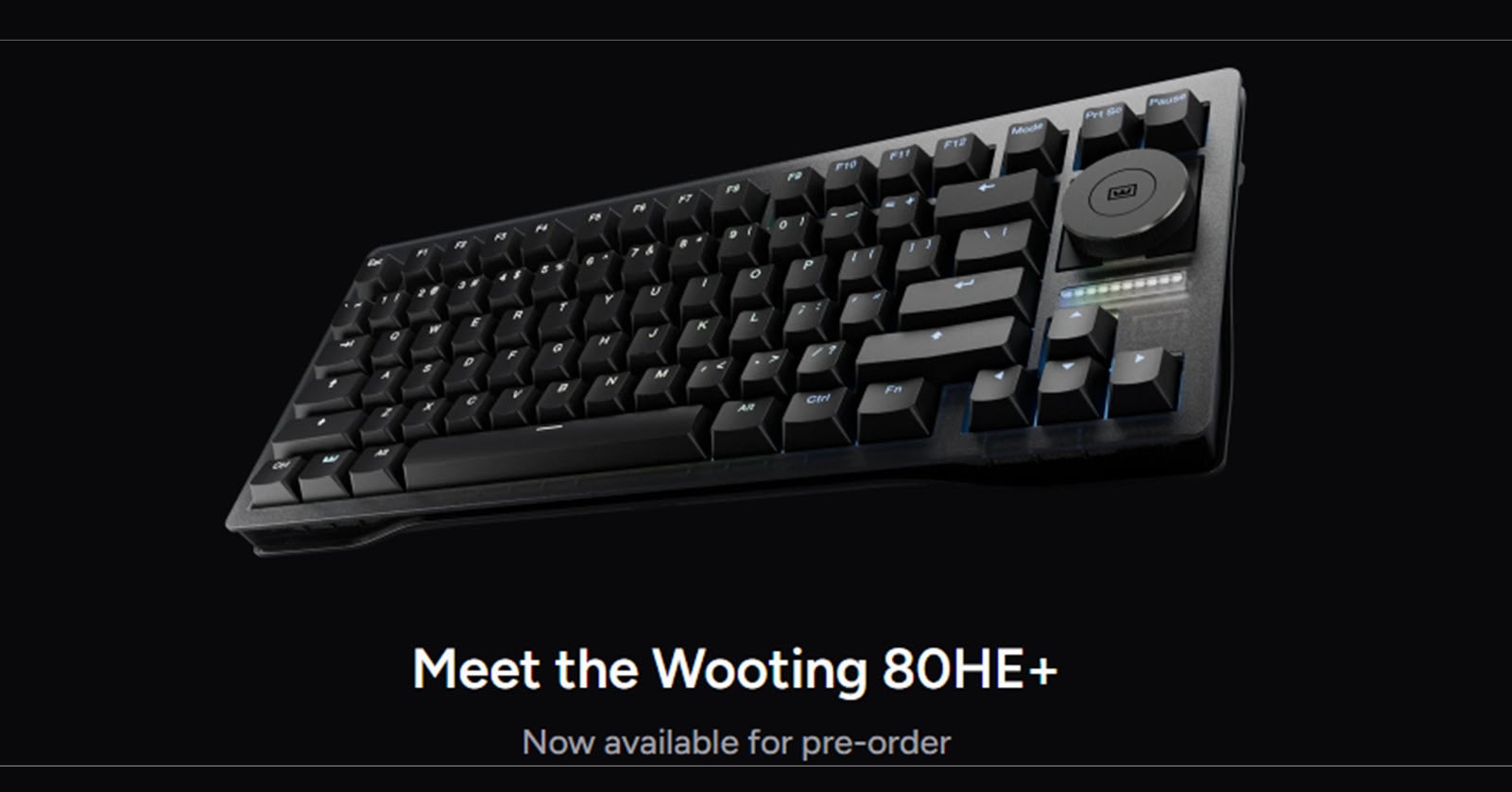
Many types of keyboards are on the market today, and choosing the right one can be daunting for even the most advanced users. A keyboard can make or break your gaming, work, or home user experience. The keyboard industry aims to please gamers and office workers by offering the most suitable features.
We'll attempt to define the ideal keyboard, and along the way, we'll offer a few typing tips to improve your speed and accuracy.
What makes one keyboard better is a matter of choice. Only you can decide if you prefer clicky, tactile, or linear key switches. Other features, such as key behaviour, are subject to personal preferences.
Keyboard Features
When looking for the ideal keyboard, consider the following:
Purpose: Gaming, Work, Home Office, School
Form Factor: Miniature, TKL (Ten Key Less), Full
Ergonomics (Tilting): Front to Back, Back to Front, Left to Right, or Right to Left
Connectivity: Wired, Wireless (Bluetooth versus 2.4 GHz USB receiver)
Layout: 60, 68, 75, 80, 84, 96, 104 keys
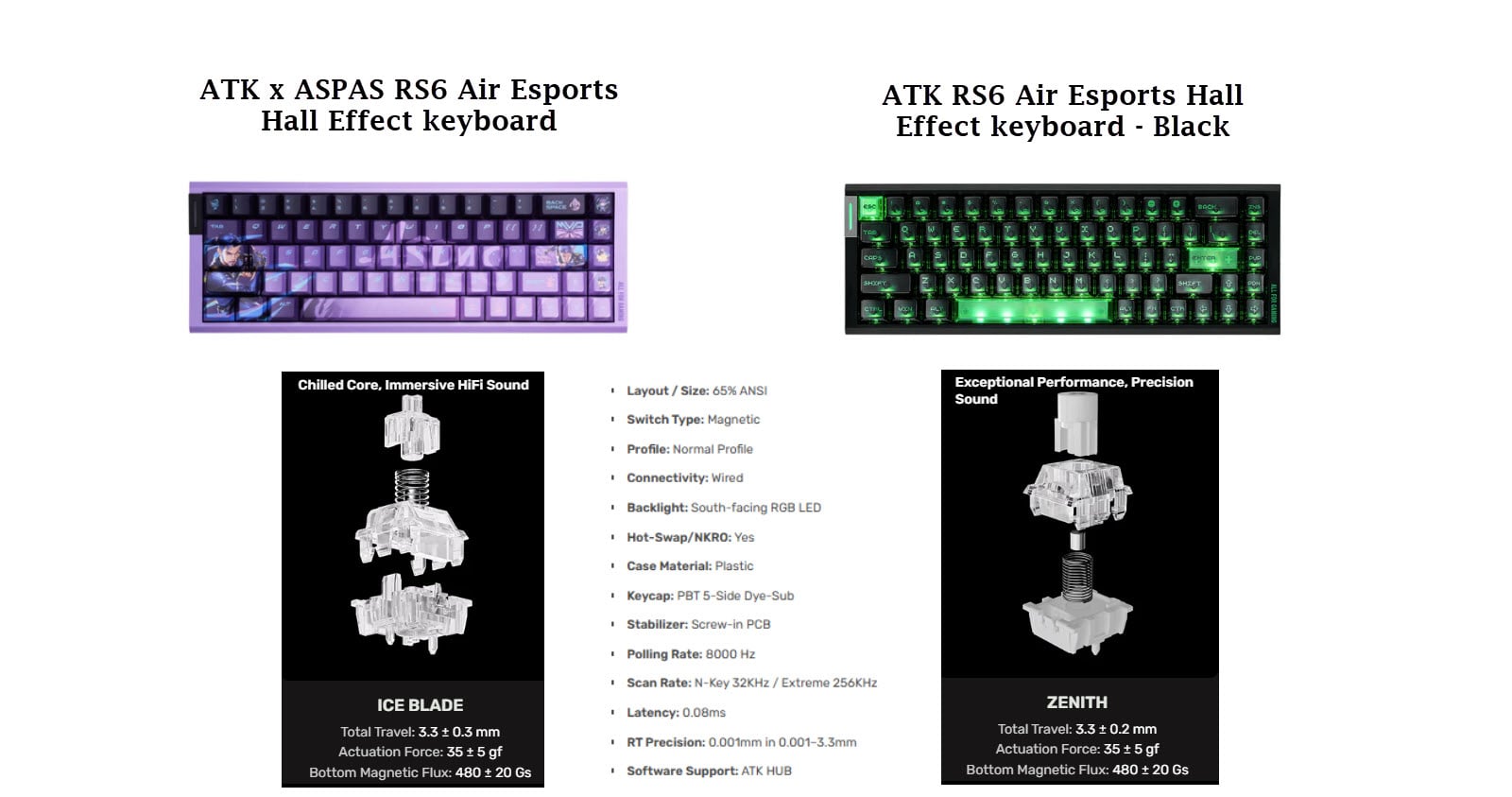
Switches / Switch Types: Mechanical, Optical, Capacitance (Topre)
Actuation Force
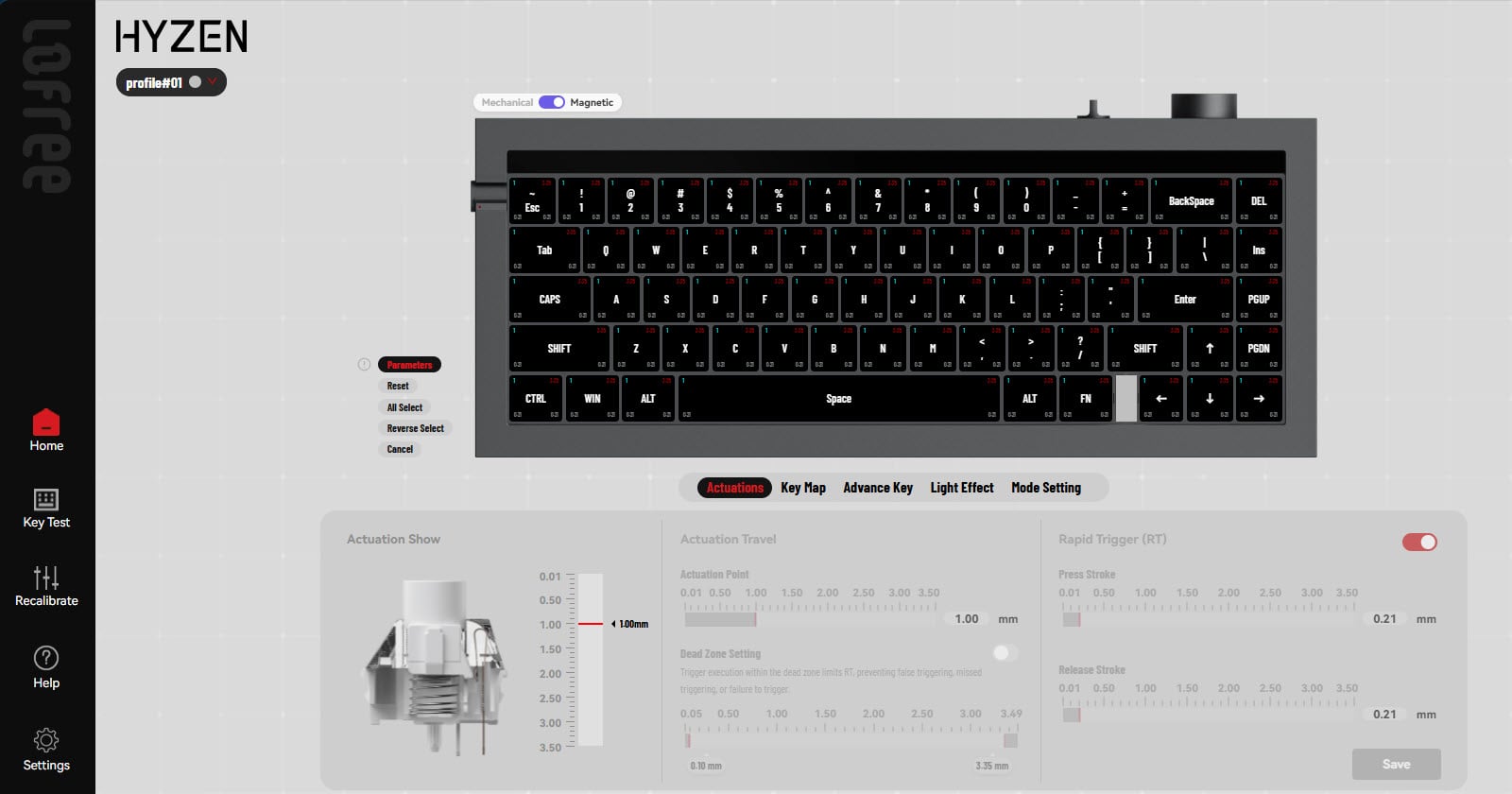
Actuation Point (Pre-Travel)
Total Key Travel
Lifespan (Key Presses)
Brand: Cherry, Gateron, Keychron ...
N-Key Rollover: Ability to detect multiple key presses
Keycaps: Shape, Materials (ABS versus PBT)
Latency: Time to register a key press. Connection (wired versus wireless) and switch types affect latency.
Polling Rate: Keyboard response time, typically 1000 Hz or 1 ms). This is rarely, if ever, a concern for the average keyboard enthusiast. Gamers may place greater emphasis on polling rate, and some manufacturers offer the ability to adjust it.
Lighting: backlighting, colour (RGB vs White vs NONE)
Programmability: Key Re-assigment, Actuation Point, Colour Palettes
Size: Dimensions, Desk Space
Weight: Plastic versus Metal Construction, Size
Power: Battery, Rechargeable, Wired, Solar
Portability: Weight and Size
Wrist Rest: Materials.
Brand: The number of manufacturers continues to grow. I have a collection of keyboards from various manufacturers and intend to review them here. Some of the brands you may recognize are Logitech, Razer, Keychron, Drop, Realforce, HHKB (Happy Hacking Keyboard), Epomaker, Corsair, SteelSeries, Kinesis, DasKey, Deskeys Nexus, Microsoft, Nuphy, LoFree, Varmillo, and many more.
Posture
Keep your wrists off the desk and your hands above the keyboard. Avoid resting your forearms against the leading edge of your desk, as this restricts and constrains the movement of your arms.
About the author
I have over 40 years of programming experience using a variety of languages over the course of my career to develop real-time solutions for real-world problems.
Keyboards connect us to the world and, as a keyboard enthusiast, I am searching for the ideal keyboard.
Comments
Join the discussionNo comments yet. Be the first to comment.