Keysme AIM04 HE
Premium Look and Feel Out of the Box
Why the AIM04 HE?
The keyboard has a unique novelty appeal and is the only HE keyboard in the Keysme collection. The AIM04 HE proves that looks can be deceiving, offering features like:
Gateron magnetic Jade Pro switches with factory-tuned acoustics
Adjustable actuation per key with 0.1mm sensitivity
8kHz polling rate with 0.125ms response time
CNC aluminum housing and gasket mount construction
Rapid Trigger + SOCD resolution for FPS control
Read the Manual
Read the user's guide that came with the keyboard before plugging it in. Some features are controlled with Fn key combinations, and knowing them will make the keyboard easier to use.
Out-Of-The-Box
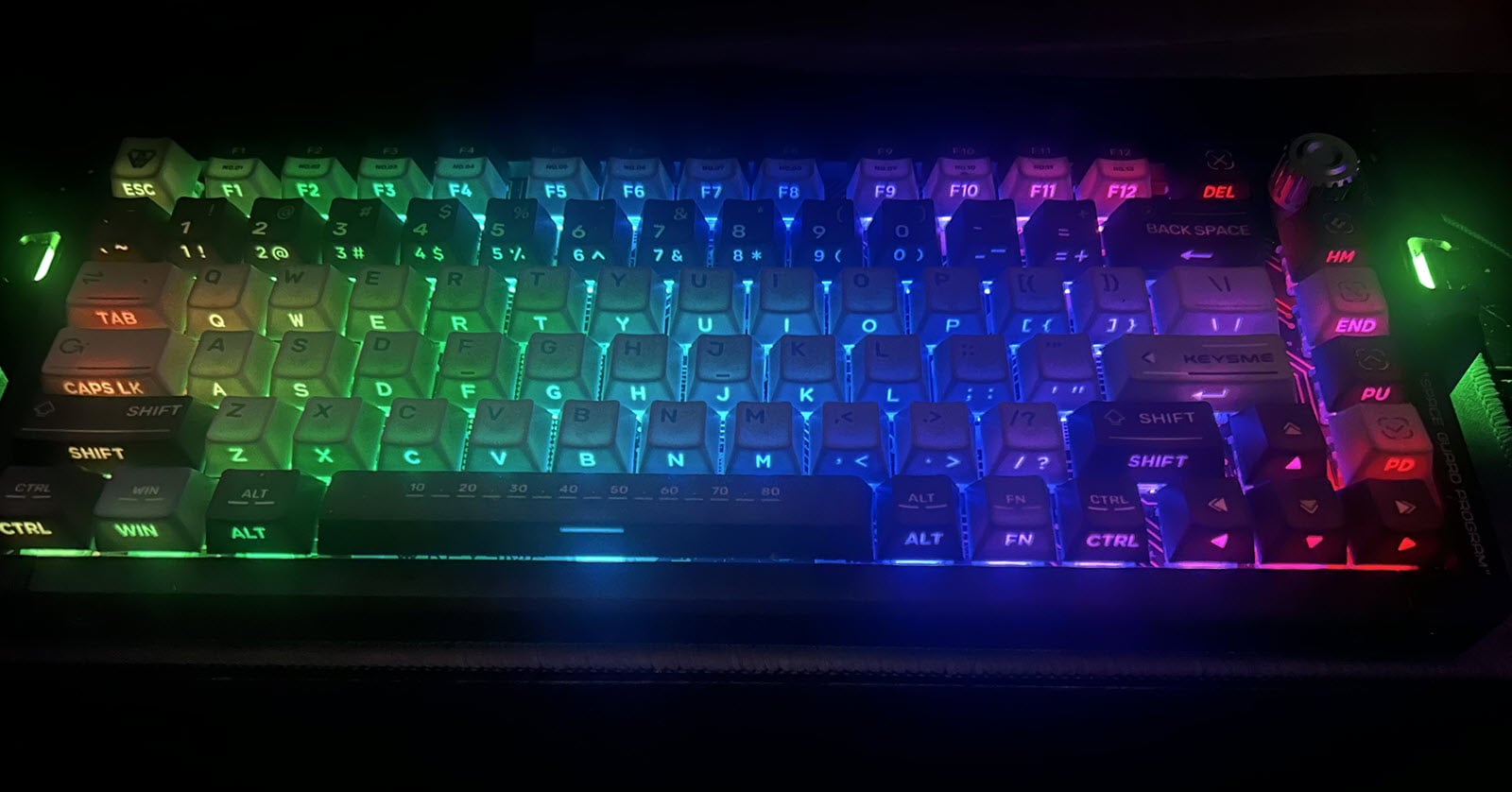
I like the look and feel of this keyboard. The "SPACE GUARD PROGRAM" theme is unlike other keyboards in my collection, and a little "out of this world."
The Gateron Jade Pro switches, double-shot dye-sub/shine-through PBT keycaps, and enhanced Gasket mount deliver a consistent sound profile across the keyboard and a great typing experience overall.
As mentioned, I highly recommend reading the "one-page" user's guide before plugging the keyboard into your PC. The backlighting was a little overwhelming when I first plugged it in, but a quick read through the user's guide made it easy to find the Fn key combinations to set the lighting to a level that works for me.
The knob has a nice ratchet feel, but the edges are sharper than I would have expected. The same is true for the areas around the side lights. Otherwise, the case finish is buttery smooth.
Over-the-top Keycaps
Legends on top and shine-through legends on the front of the keycaps make the keyboard look busy. I would've been ok with the shine-through legends alone. The keycaps have a Cherry-Like profile and cradle the fingertips quite nicely.
Switches
The Gateron Magnetic Jade Pro Linear switches are quiet, smooth, and great to type on. Although I prefer a shorter total travel distance, the Jade Pro's 3.5 mm travel did not affect my typing performance.
I swapped the switches for others, like Gateron's Attraction switches, but surprisingly switched back to the Gateron Jade Pros. They're a great match for this keyboard, and I managed to hit at least 100 WPM and higher.


Cable
The thick, braided cable has a 90-degree USB-C connector, a configuration I prefer for my setup. The Velcro strap makes cable management easy.
Programming
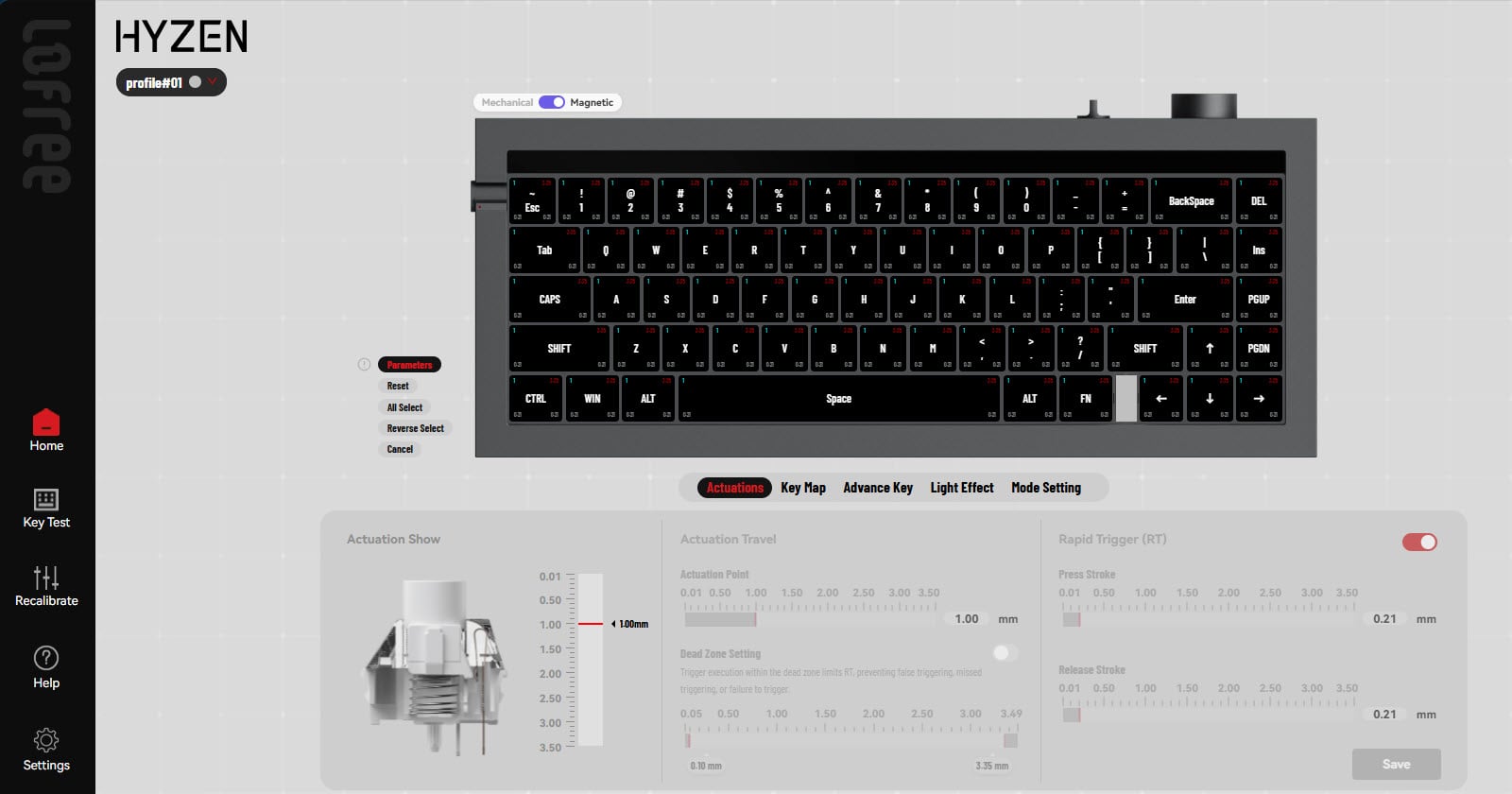
The online software isn't as advanced as other configuration apps, such as Wooting's or ATK's, but it's good enough to get you started.
Remapping - Reassign keys and create up to three (3) profiles.
Performance - Easily set actuation points and switch behaviours.
Lighting - Software controls are limited to backlighting. However, "Fn" key combinations are pre-programmed to control back and side lights.
Next Steps
I will be using this keyboard over the next few weeks to get a better feel for it. However, based on my experience so far, I recommend this keyboard.
Related Articles and Resources
About the author
I have over 40 years of programming experience using a variety of languages over the course of my career to develop real-time solutions for real-world problems.
Keyboards connect us to the world and, as a keyboard enthusiast, I am searching for the ideal keyboard.
Comments
Join the discussionNo comments yet. Be the first to comment.