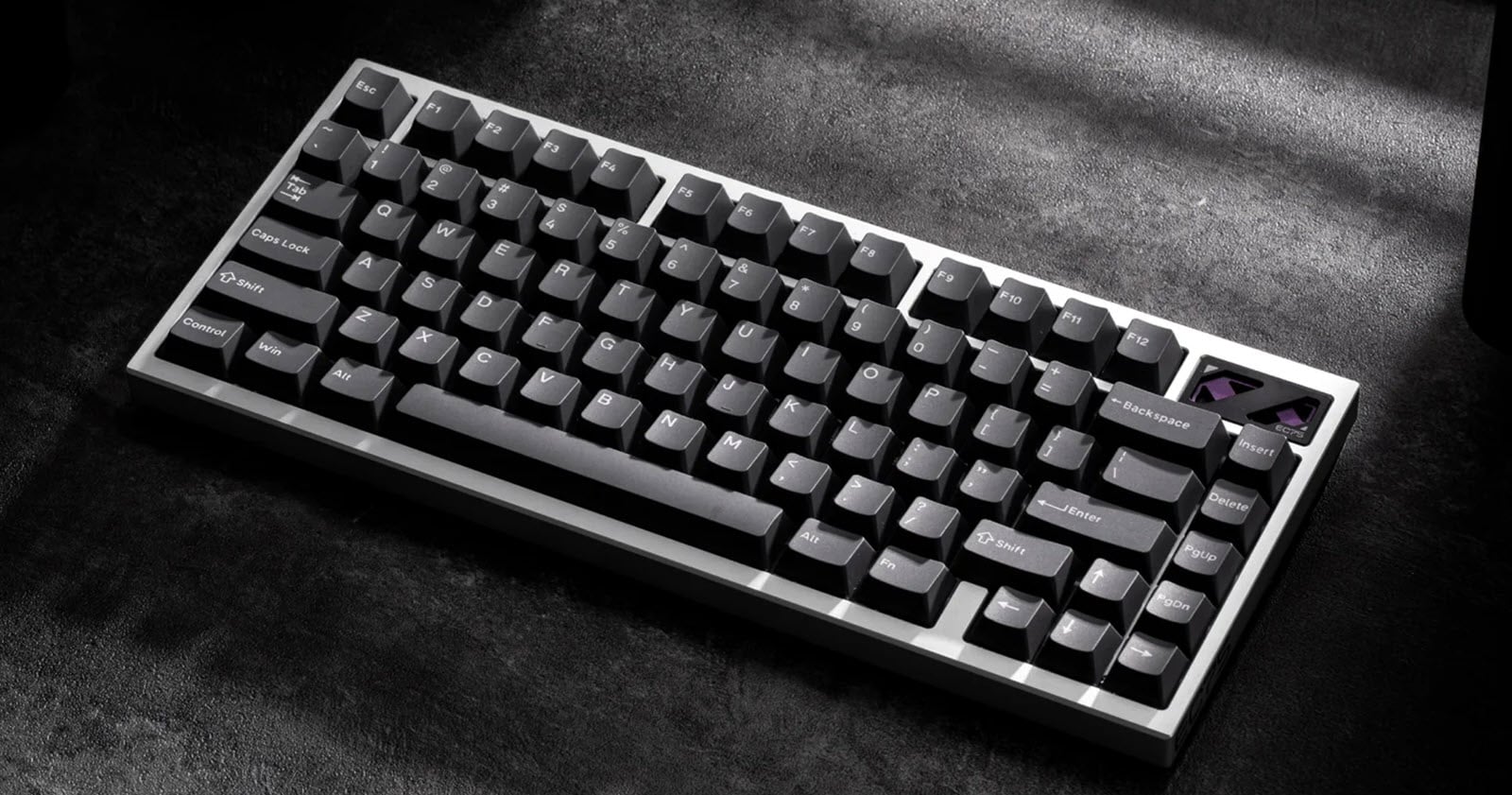
Syntech Chronos 68 HE Keyboard
April 20, 2026, marks the day I received my Syntech Chronos 68 HE keyboards. Three colour options are available. I purchased a Black & White with Gateron Magnetic Jade Pro switches and a "Pure Black" with Outemu Magnetic Sealed switches, priced at $229.99 and $179.99, respectively.
At the time of purchase, a $40.00 discount was available.
Key Features
8000 Hz polling rate. The app lets you choose from a list of polling rates that may better suit your requirements.
Customizable per-key actuation between 0.1 mm and 3.5 mm
Rapid Trigger
Snap Tap - Seamless Direction Switching
Pre-lubricated switches

Acoustic dampening: Poron & IXPE foam ensure satisfying acoustics with every press.
PBT Shine-Through Keycaps
Lubricated Plate Mounted Stabilizers
Warranty - three (3) years is better than most and reflects confidence in the keyboard's durability.
Performance
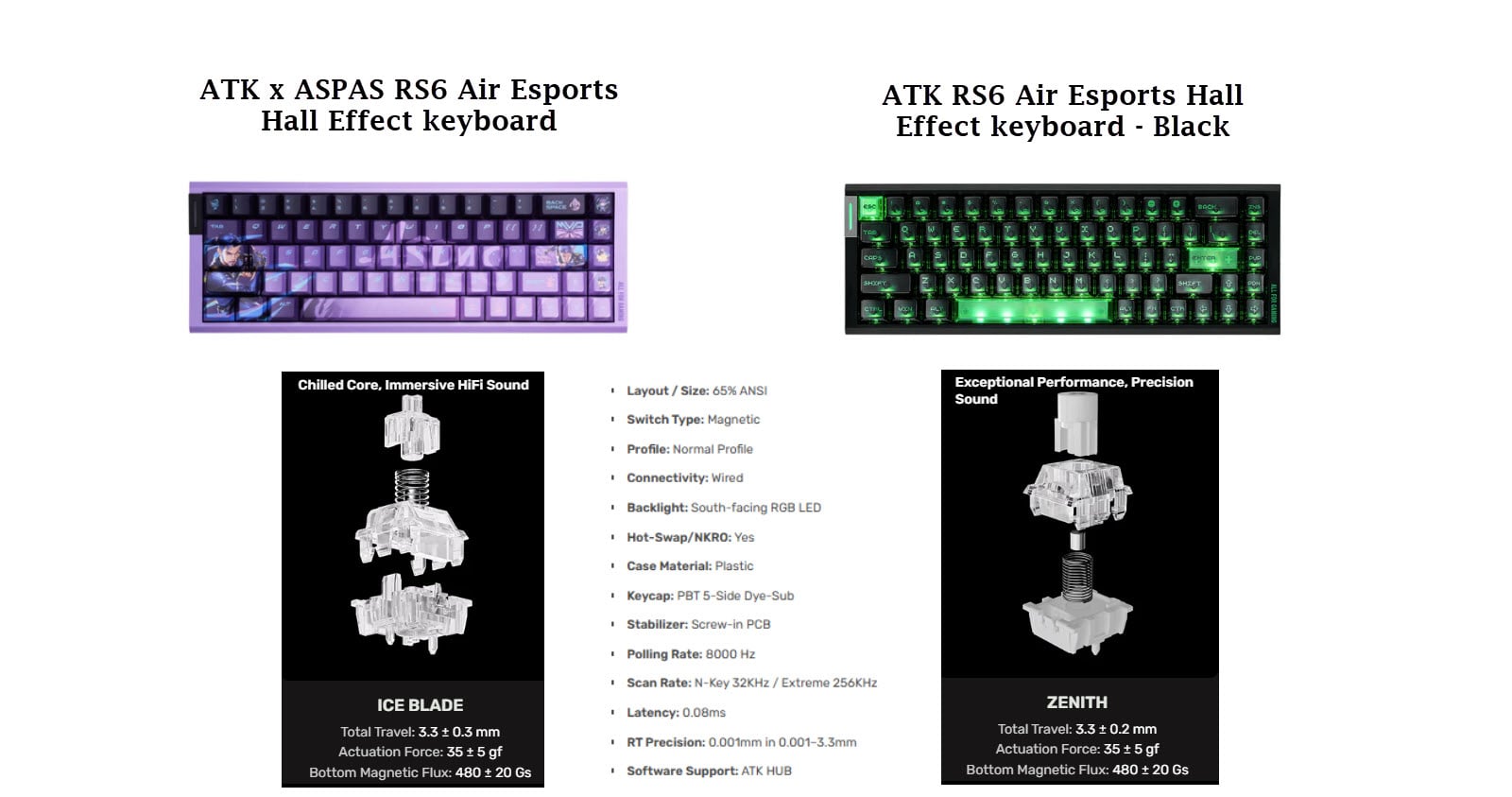
The Jade Pro switches are smooth and quiet, and worth the slightly higher price. As for speed, the keyboard felt and performed at least as well as my ATK RS6 Ultra+. Consistently achieving 100 WPM out of the box suggests great potential.

The Outemu Magnetic Sealed switches may be more suitable for workplaces where the keyboard may be exposed to harsher conditions. The initial force of 30 gf is only 5 gf less than the Jade Pro switches, but it is surprisingly noticeable.
All else being equal, I prefer the Jade Pro switches. They feel smoother and less susceptible to accidental key presses.
Aside:
Gateron Jade switches are premium switches. I will also be trying Gateron Jade Ultra switches available from Amazon:

There are hundreds, if not thousands, of switches to choose from. However, I tend to prefer Gateron switches, as they are very popular and readily available from multiple sources, including Amazon.
I experimented with:
Gateron Spark switches. They sound and feel great on this keyboard, and I prefer them over the Gateron Jade Pro switches.
Gateron Magnetic Jade Attraction switches. Next to the Spark switches, these are also a favourite, as their actuation pressure of 30 gf is constant throughout the keystroke.
PCB
The Printed Circuit Board (PCB) plays a key role in your keyboard's performance, yet it is often overlooked. While polling rate tends to dominate the discussion, the scan rate is equally important, if not more so.
Software - Customization
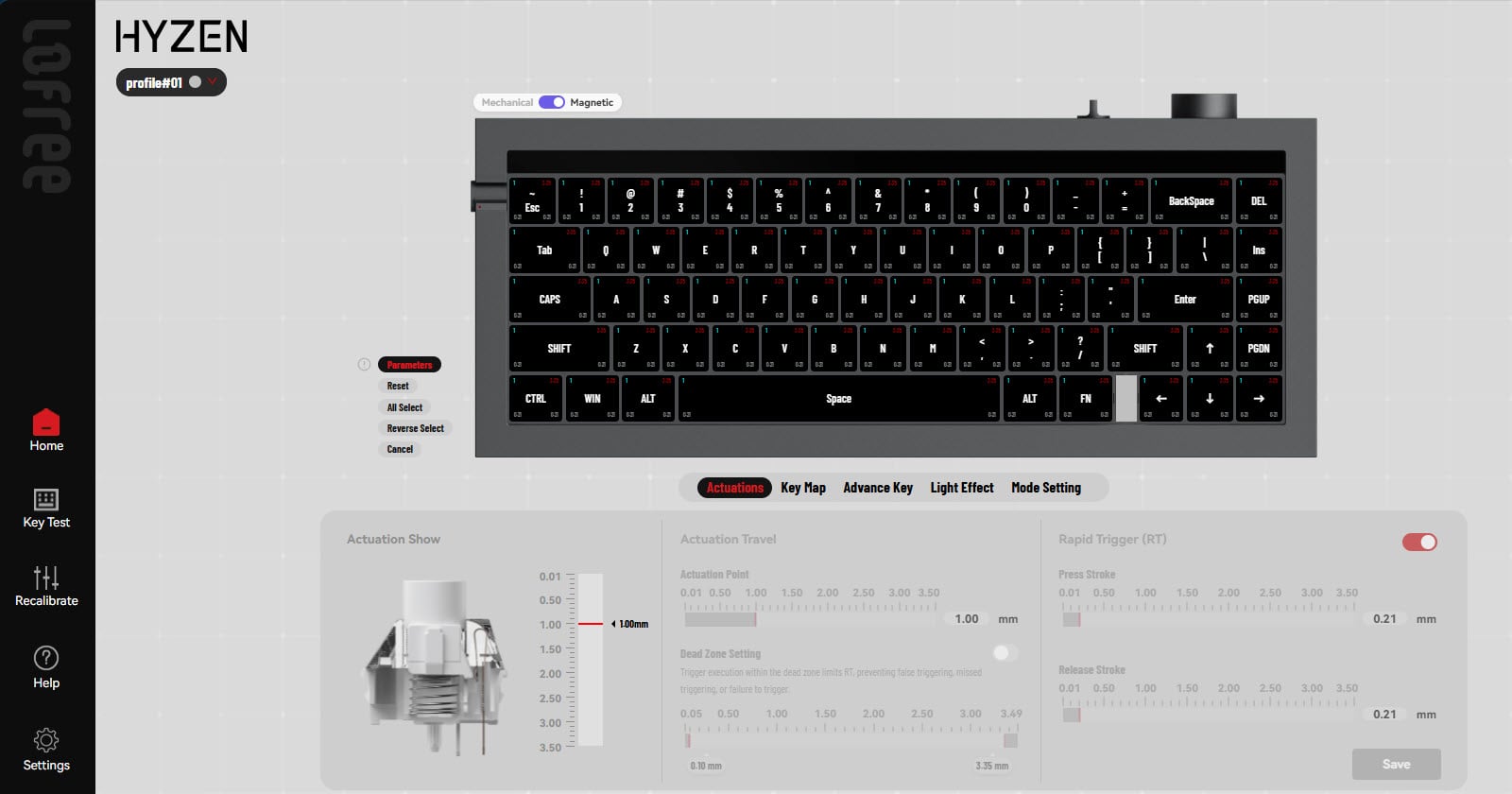
The SynHub driver app makes it easy to customize the keyboard. The application allows you to reassign keys, keystroke settings, calibrate switches, adjust lighting settings, and more.

You will note that I reassigned the "CAPS" key to the "Ctrl" key, as shown in the "Current Key Function" pane. To reassign other keys, simply click on the keyboard icon in the "Combination" pane.

Clicking the keyboard icon allows you to select keys from a full keyboard pane, as shown below.

The SynHub app lets you easily fine-tune key mappings, actuation settings, and macros via its intuitive app or web interface, making Chronos 68 a customizable keyboard.
Overall Impressions
This keyboard has surprised me in more ways than I expected. Visit the Syntech Downloads page to get the latest driver and firmware.
Key reassignment
Customized Keystrokes
Fn + Space = "Typing" mode
Fn + TAB = Number keys become Function Keys
Improved and Consistent SPEED and Accuracy


Exceptional look, feel, and sound enhanced by Gateron Jade Pro switches
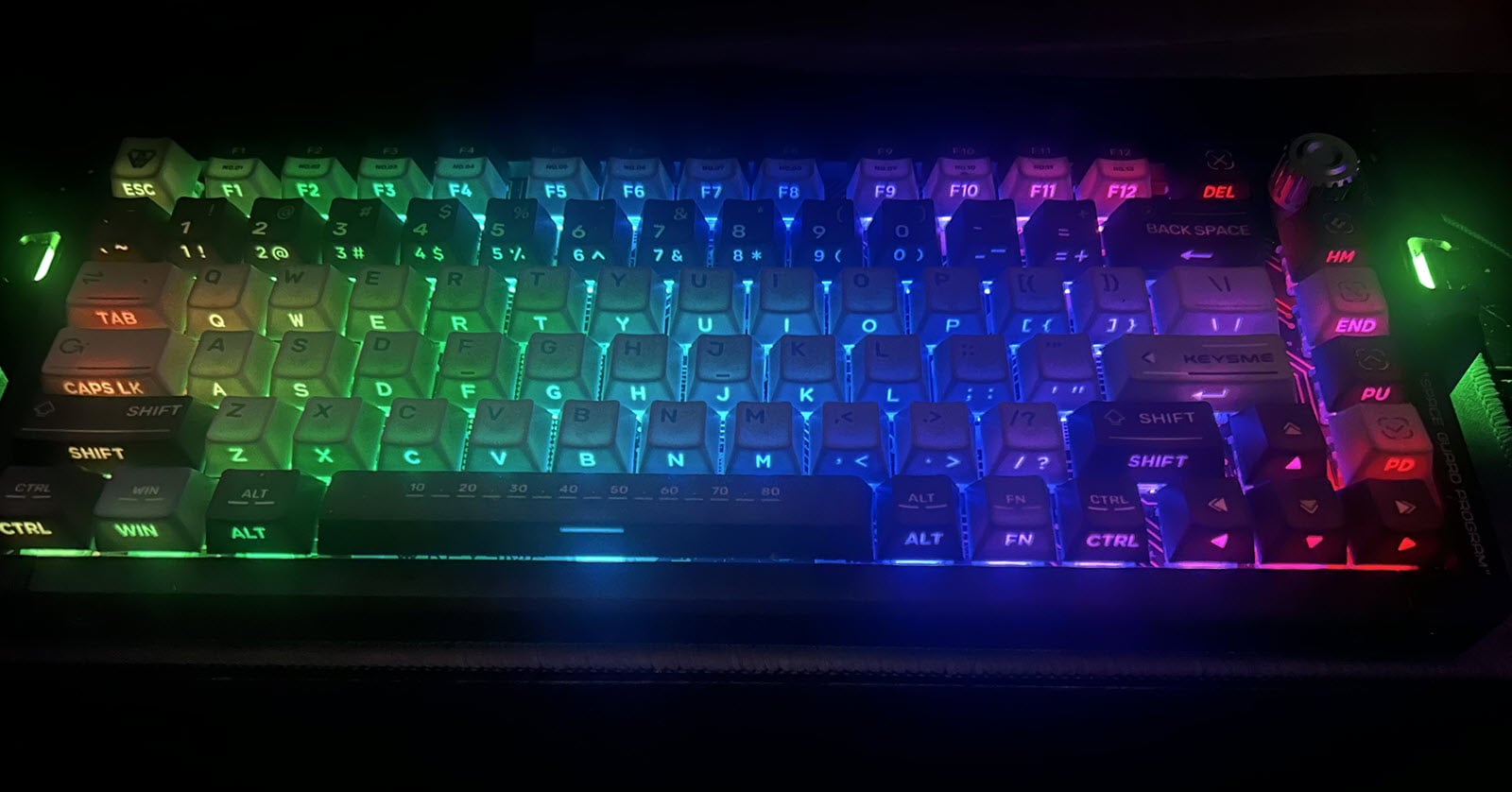
A pleasant ambience with RGB lighting patterns and effects
Shine-Through PBT Keycaps
Syntech is a company I never knew existed until this day. Now I'm touting their keyboard as one of the better keyboards in my collection. How is that even possible?
Update
Firmware Version and IOTVersion
Use the WEB app to upgrade the firmware and IOTVersion for your keyboard. Make sure the keyboard is plugged in using the USB cable.
I swapped out the Outemu switches with Gateron's Magnetic Jade Attraction switches.
Related Articles and Resources
Chronos 68| Ultra Low Latency Magnetic Keyboard with Rapid Trigger
Downloads: Chronos 68 Driver Download - SynHub
Gateron Jade Pro Linear Lubricated Factory Freely Setting Magnetic Keyboard Switches 20mm Plus Long Spring Key Switches (70 Pieces) : Amazon.ca: Electronics
Improve your typing skills:
How Does Reading Affect Your Brain | by Sufyan Maan, M.Eng | ILLUMINATION | Medium

NitroType Race Calculations

About the author
I have over 40 years of programming experience using a variety of languages over the course of my career to develop real-time solutions for real-world problems.
Keyboards connect us to the world and, as a keyboard enthusiast, I am searching for the ideal keyboard.
Comments
Join the discussionNo comments yet. Be the first to comment.